
Rating:

4.8

Lucky Mister Registration

Opening an account at Lucky Mister takes one short form: an email address, a password and a tick in the age box. No documents are asked for at this stage, and social sign up with Google, Telegram or X cuts it down to a single click. The account then unlocks both halves of the Lucky Mister casino and sportsbook on one balance.

This page covers the sign up form itself, confirming your email and phone number, the verification documents you will need before a payout, and the order in which to activate a bonus so it is not lost.

LuckyMister UK registration, login and verification steps; support and welcome bonuses up to 250% + 250 spins (x35)

Before you start

Two rules decide whether an account survives its first payout, and both are set out in the terms and conditions.

  • One account per person. Duplicate and multiple accounts are prohibited. If the operator links two profiles to the same player, both can be closed.
  • Strictly 18 and over. Age is checked through payment method verification and spot checks. Accounts that breach the rule are closed and funds confiscated.

Use details that match your documents from the start. The name on your profile has to match the name on the ID you upload later, and mismatched data is the most common reason a withdrawal stalls.

UK gambling account registration requirements with ID, address, age and payment ownership checks

How to register at Lucky Mister

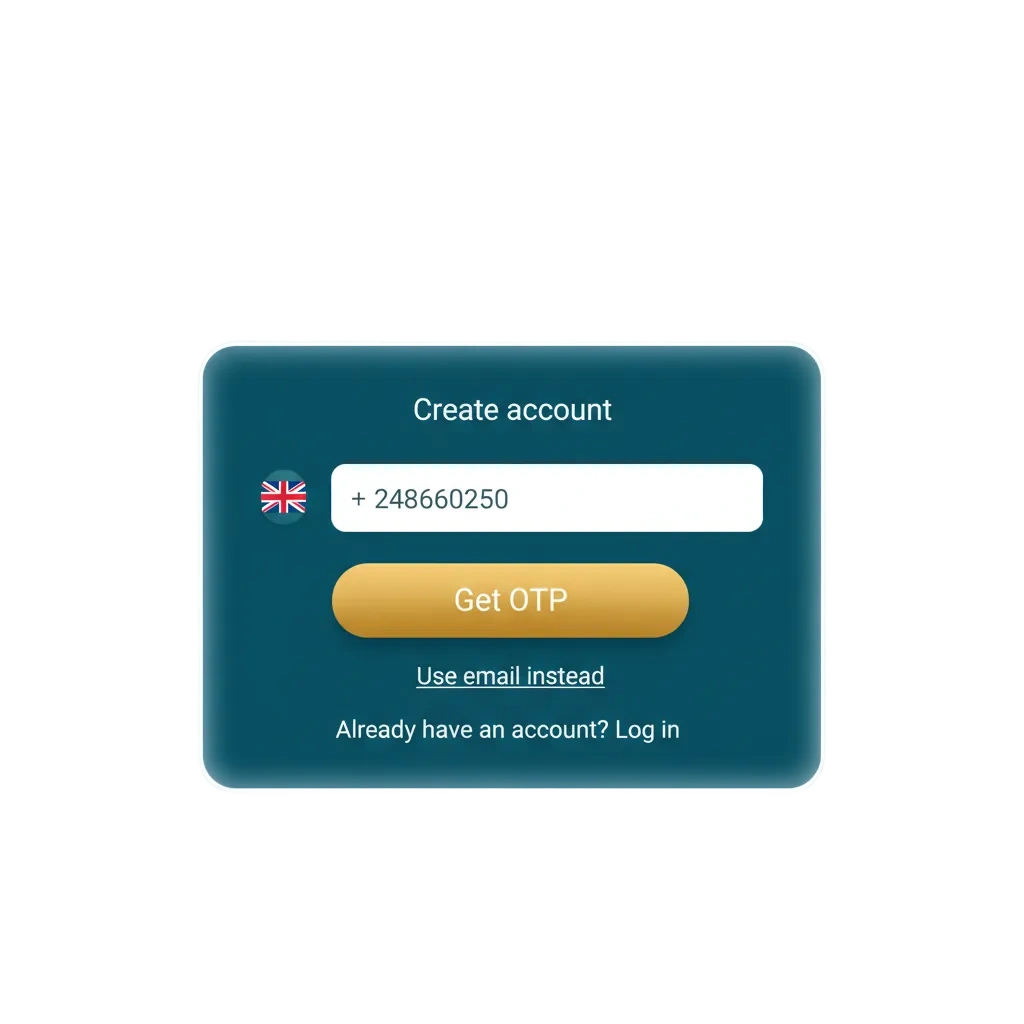
The registration button sits in the top right corner of every page. The modal also shows the live welcome offer and a countdown timer, so read what is on the screen before you close it.

Step 1

Press Registration

Open the casino and press the Registration button in the top right corner. The registration window opens over the page, showing the current 500% and 500 free spins offer.
Step 2

Enter your email address

Type the email you actually use in the first field. The confirmation link and any password reset go to this address, so a working inbox matters.

Step 3

Create a password

Enter a password in the second field. The eye icon reveals what you typed, which is worth checking before you submit.

Step 4

Confirm you are over 18

Tick the box stating that you are over 18 and accept the terms and conditions. The terms link is clickable and the box is mandatory.

Step 5

Press Create an account

The red Create an account button finishes the sign up and logs you straight in. Already registered players use the log in link at the bottom of the same window instead.

Open the sign up form

Social registration options

Under Social registration the same account can be opened in one click. The provider passes your email across, and you set a password later from the profile if you want one.

Google

Fastest route on a phone that is already signed in to a Google account. Pick the account and you are through.

Telegram

Confirms through the Telegram app on the same device, useful if you prefer not to hand over an email address manually.

X (Twitter)

Authorises through your X login and returns you to the casino with the account created.

How to confirm your email and phone number

A fresh account can play immediately, but payouts are only released once both contacts are confirmed. Doing it on day one saves a delay later.

Step 1

Open your profile

Log in and go to the profile section of the account menu, where both contact fields sit together.

Step 2

Confirm the email

Press Confirm email, then open the message the casino sends and follow the link inside. If nothing arrives within a few minutes, check the spam folder.

Step 3

Add your phone number

Enter your mobile number in the profile and press Confirm number. An SMS code is sent to that number.

Step 4

Enter the SMS code

Type the code from the message and press Confirm. Use Resend SMS if it does not arrive the first time.

Verification documents (KYC)

Identity checks are handled by document upload. Sending them in advance is the single best way to keep a payout inside the usual 24 to 36 hour window rather than waiting on a review.

Document What is accepted
Identity Driving licence, ID card or passport, both sides, showing full name, date of birth, document number and issue or expiry date
Address Bank statement, utility bill or government correspondence no older than six months, showing your full name and address
Card Photo of the front of the Visa or Mastercard used for the deposit

Details on the documents must match the profile exactly. A shortened name, an old address or a card in someone else’s name will send the request back.

LuckyMister account verification steps for UK users, covering ID, address, payment proof and KYC results

Activate the bonus before you deposit

The order matters more than the amount. A bonus has to be activated before it is credited, so a deposit made first arrives as ordinary cash and the offer for that step is gone.

  1. Finish registration and log in.
  2. Open the promo section and activate the offer you want, whether that is the first deposit match or the 100% sports bonus.
  3. Go to the Cashbox and make the qualifying deposit. The sports bonus asks for 50 EUR.
  4. The match funds and free spins credit to your balance, and wagering starts from there.

Winnings sit on the combined balance and cannot be withdrawn until an active bonus is fully wagered, with the bonus amount itself capped at 1,000 EUR. Every current offer is listed on the bonuses page.

Register and claim 100% + 100 FS on deposit one
LuckyMister welcome bonus table with three casino deposit tiers, Big Bass free spins and x35 wagering

How the sign up went for other players

4.25

(5 reviews)

(2 reviews)

(1 reviews)

(1 reviews)

Owen H.

Form was three fields and a tick box, no address or date of birth at that stage. Email link came through instantly, the SMS took about two minutes.

5

Chloe M.

Used the Telegram option because I did not want another password. Worked first time, though I had to add a password later to log in on my laptop.

4

Ravi

Made the classic mistake and deposited before activating the offer. Support explained the bonus has to be switched on first, no way around it.

3

Fiona D.

Uploaded my licence and a bank statement the same evening I signed up. First withdrawal cleared without a single question a week later.

5

Registration questions

How long does registration take?

Around a minute. The form asks for an email address, a password and confirmation that you are over 18, and social sign up with Google, Telegram or X is quicker still.

Do I have to verify documents straight away?

No, you can play as soon as the account exists. Identity, address and card documents are checked before withdrawals, so uploading them early only speeds things up.

Can I open a second account?

No. Duplicate and multiple accounts are prohibited in the terms, and linked profiles risk closure along with the funds in them.

I did not receive the confirmation email, what now?

Check the spam folder first, then press Confirm email again from the profile. If it still does not arrive, live chat or [email protected] can resend it.

Can I register from my phone?

Yes, the form is identical in the mobile browser and inside the installed progressive web app. Installation steps are on the LuckyMister App page.

Comments

The value is incorrect

The value is incorrect

The value is incorrect

Something went wrong. Please, try again later

Updated: