Rating:

4.8

What the LuckyMister app actually is

A progressive web app is a website that a phone treats as an application. Once it is on the home screen it launches without browser tabs or an address bar, remembers your session and uses a service worker to cache the interface, which is why it opens faster than typing the address every time.

The practical differences against a downloaded casino client are worth knowing:

  • Nothing is installed from a store, so there is no waiting for approval and no APK from an unknown source.
  • Updates arrive with the site itself, so the version on your phone is never out of date.
  • Storage use is minimal, since the games stream rather than sit on the device.
  • The same account, balance and bonus progress carry across phone, tablet and desktop.

Lucky Mister states plainly that all games run in browser mode and no software download is needed, which is the same model the desktop site uses.

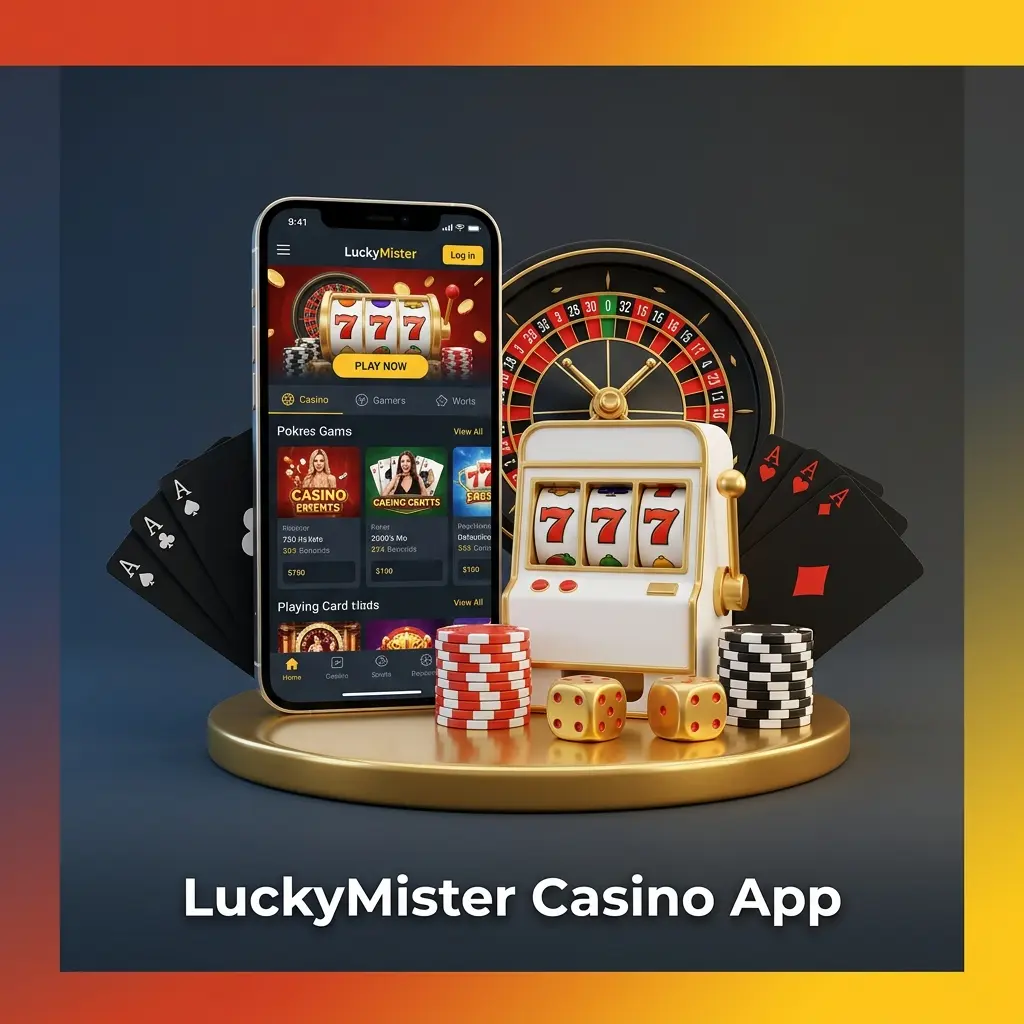
LuckyMister app download for Android & iOS; UK 18+; VISA/Mastercard, USDT; casino & betting; tiered bonuses, x35 wagering

How to install the app on Android

Chrome handles progressive web apps natively on Android. If a banner offering to install appears at the bottom of the screen, tap it and skip straight to the last step.

Step 1

Open the casino in Chrome

Load the Lucky Mister site in Google Chrome. Other browsers can work, but the install option is most reliable in Chrome.

Step 2

Open the browser menu

Tap the three dot icon in the top right corner of Chrome to open the menu.

Step 3

Choose Install app

Select Install app, or Add to Home screen depending on your Chrome version. Both lead to the same result.

Step 4

Confirm the install

Tap Install or Add in the dialogue. The Lucky Mister icon lands on your home screen and opens the casino in standalone full screen mode.

Install on Android

How to install the app on iPhone

On iOS the install has to be done from Safari. Chrome and Firefox on iPhone cannot add a progressive web app to the home screen, so switch browsers first if you use one of them.

Step 1

Open the site in Safari

Load Lucky Mister in Safari on your iPhone or iPad.

Step 2

Tap the Share icon

The Share icon is the square with an arrow pointing upwards, in the bottom toolbar of Safari.

Step 3

Select Add to Home Screen

Scroll down the share sheet until you see Add to Home Screen and tap it.

Step 4

Name it and confirm

Rename the shortcut if you want, then tap Add in the top right. The icon appears on your home screen and launches the casino without Safari chrome around it.

Add on iPhone

What you get inside the app

The mobile build is not a cut down version. Every section of the sidebar is there, and the layout simply reflows for a smaller screen. Slots run in portrait, live tables switch to landscape and the bet slip docks to the bottom of the display.

LuckyMister casino app showing slots, live casino, table games and sports betting in one mobile wallet

Sections available on mobile

Everything below opens from the same menu as on desktop.

Casino lobby

All nine tabs, from New and Popular through Slots, Table games, Live Casino and Crash games, with provider and genre filters intact.

Sport and cybersport

Pre match and live betting across roughly 40 sports, with cash out and the same rules that apply on desktop.

Cashbox

Deposits by card, Apple Pay, bank transfer or crypto, plus withdrawal requests and the payout history list.

Promo and tournaments

Deposit offers, tournaments, lotteries and the leaderboard, each activated before you top up.

First steps after installing

Once the icon is on your home screen, the account setup is identical to desktop:

  1. Open the app and sign in, or create an account with an email address and password. New players can also use Google, Telegram or X, and the full walkthrough sits on the registration page.
  2. Confirm your email and phone number in the profile. Both are checked before a withdrawal is released.
  3. Activate the bonus you want before topping up, since offers cannot be applied to a deposit that has already been made.
  4. Make your first deposit in the Cashbox and the match plus free spins credit to the balance.

Existing players who only need the sign in flow can jump to the login guide.

Create an account 500% + 500 FS on first deposits
LuckyMister app welcome casino bonus offering up to €5,000 and 500 free spins for new users

When the install option does not appear

A missing Install app entry almost always comes down to the browser rather than the casino. Work through these checks:

  • On iPhone, make sure you are in Safari. The option genuinely does not exist in Chrome or Firefox on iOS.
  • On Android, update Chrome to the current version, then reload the page before opening the menu.
  • Private or incognito windows block installs. Open the site in a normal tab.
  • If the icon is already on the home screen, Chrome hides the option. Check your app drawer before trying again.
  • Clear the site data for the domain and reload if the page was cached in a broken state.

If none of that helps, live chat is available inside the site on every page, with support also reachable on +44 1241 340754 and at [email protected].

Compatible Android phones in the UK for LuckyMister APK, including Samsung Galaxy, Google Pixel and OnePlus models

App questions

Is there an APK file for LuckyMister?

No. The casino does not distribute an APK and there are no Google Play or App Store listings. Any file offered elsewhere as a LuckyMister app did not come from the operator.

Does the app work on older phones?

The requirement is a current browser rather than a powerful phone, since the games stream from the servers. Any device running an up to date Chrome or Safari can install and run it.

Can I bet on sport inside the app?

Yes. Sport and cybersport sit in the same menu as the casino lobby and use the same balance, so no separate app or transfer is needed.

Do bonuses differ between mobile and desktop?

No. The welcome package of 500% plus 500 free spins, the 100% sports bonus and the tournaments are the same wherever you log in, and progress carries across devices.

How do I remove the app?

Press and hold the icon on your home screen and choose delete or uninstall, exactly as with any other app. Your account and balance are untouched, and you can reinstall it at any point.

Comments

The value is incorrect

The value is incorrect

The value is incorrect

Something went wrong. Please, try again later

Updated: