Rating:

4.8

Lucky Mister Login

Signing in takes an email address and a password, or one tap through Google, Telegram or X if that is how the account was opened. The same login opens the casino lobby, the sportsbook, the cashier and your bonus progress, on desktop and on the phone, because Lucky Mister keeps everything on one balance.

Below: the sign in steps, the password reset flow, and the handful of reasons a login normally fails.

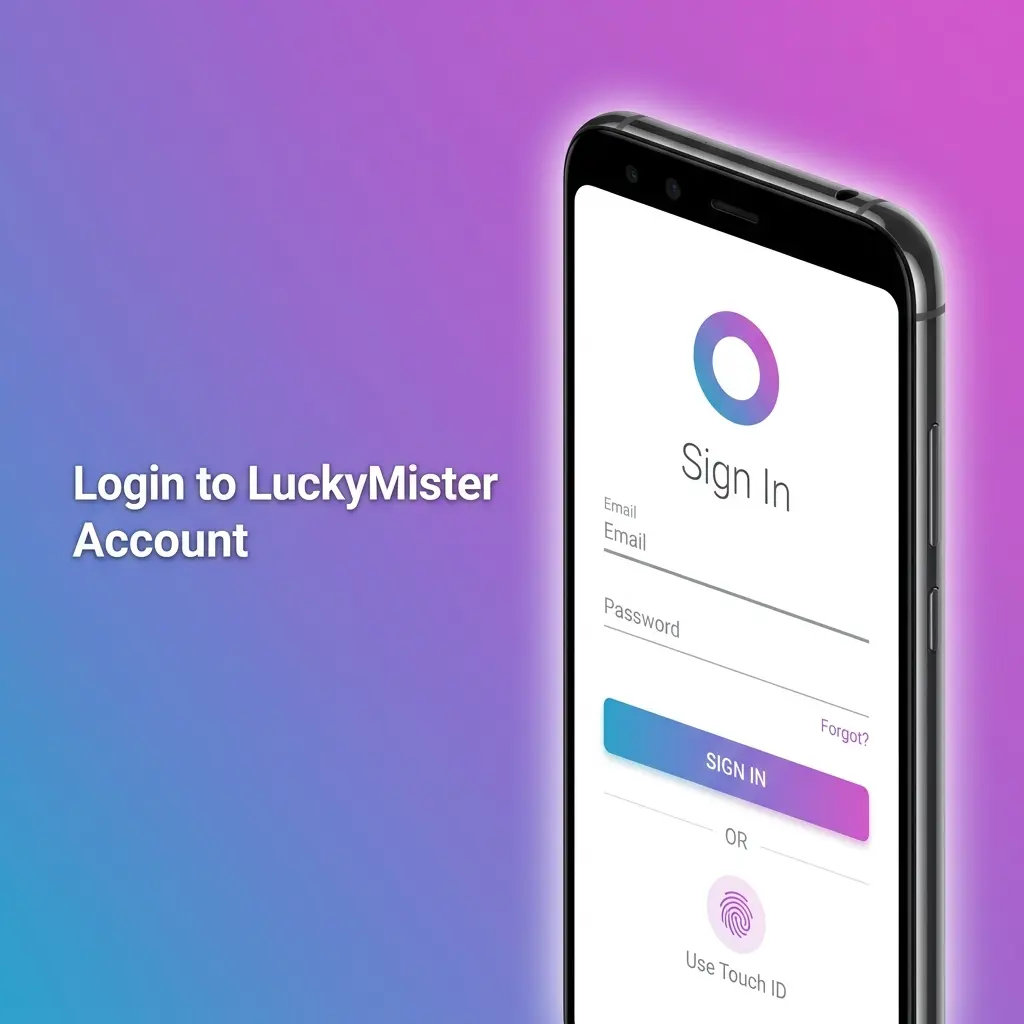
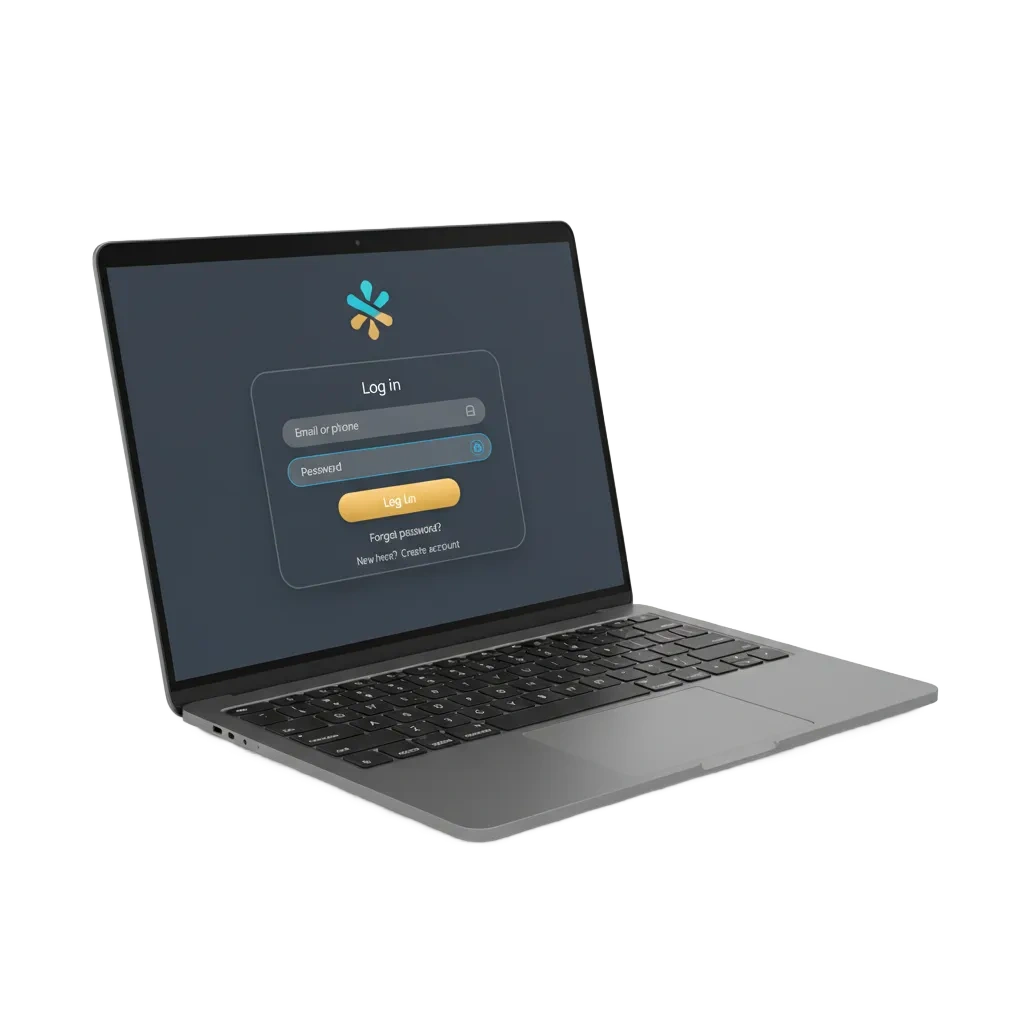
LuckyMister UK login page with email/username and password fields, Sign In button, 2FA security, shown across devices.

How to log in to Lucky Mister

The Log in button sits in the top right corner of every page, next to Registration. Pressing it opens the authorisation window over whatever page you were on, so you keep your place in the lobby.

Step 1

Press Log in

Open the casino and press Log in at the top right. The authorisation window appears.
Step 2

Enter your email

Type the email address you registered with in the first field.

Step 3

Enter your password

Fill the second field. The eye icon shows the characters, which is worth using on a phone keyboard.

Step 4

Press the Login button

The yellow Login button confirms and drops you back on the site as a signed in player, with your balance in the header.

Open the login form

Signing in with a social account

Under Log in via the window offers three providers. Use the same one you signed up with, otherwise the casino may not match you to the existing profile.

Google

One tap on a device already signed in to Google. Handy when the password manager is on another machine.

Telegram

Confirms through the Telegram app and returns to the casino automatically.

X (Twitter)

Authorises through your X session, then hands you back to the lobby logged in.

How to reset a forgotten password

The reset link goes to the address on the account, which is another reason to keep the registered email current.

Step 1

Open the login window

Press Log in, then click Forgot your password below the fields.

Step 2

Enter the registered email

Type the address you used at registration and submit the form.

Step 3

Open the reset link

Find the message in your inbox and follow the link inside. Check spam if it has not appeared after a few minutes.

Step 4

Set a new password

Choose a new password, save it and sign in with the fresh credentials.

When the login does not go through

Most failed sign ins come down to a handful of causes, and they are quick to rule out one at a time.

  • Wrong sign in method. An account opened through Google has no password until you set one. Use the same provider you registered with.
  • Typos in the email. Reveal the password with the eye icon and retype the address rather than relying on autofill.
  • Old saved credentials. If you changed the password recently, clear the stored entry in the browser and enter it manually.
  • Account restrictions. Self exclusion, an unfinished verification or a blocked profile stop the login. Support can confirm the status.
  • Browser state. Cookies disabled or a stale cached session can break the modal. Try a normal window with cookies allowed.

If none of that works, live chat sits on every page, with support also on +44 1241 340754 and [email protected]. New players who have not opened an account yet should start on the registration page.

LuckyMister login problems table with fixes for passwords, verification, expired sessions and browser errors

What to check once you are in

A signed in session unlocks the parts of the site that are hidden to guests, including the exact terms behind each offer.

  1. Open the promo section: individual bonus pages with the minimum deposit and wagering multiplier only display for logged in players.
  2. Confirm your email and phone number in the profile if you skipped it at sign up, since both are required before a payout.
  3. Check the withdrawal page for your turnover progress, because every deposit must be wagered three times over.
  4. Activate the offer you want before topping up. The full list is on the bonuses page.

Staying signed in is easier from the installed progressive web app, which keeps the session alive between visits. Setup takes half a minute on the LuckyMister App page.

Sign in and play Casino and sportsbook, one balance
LuckyMister login page for accessing casino games, sportsbook bets, balance, bonuses and safer gambling tools

Login questions

Can I log in on several devices at once?

Yes. The account works from a desktop browser and a phone at the same time, and the balance, bonus progress and bet history stay in sync.

I registered with Google, what is my password?

There is not one until you create it. Either keep using the Google button, or set a password from the profile and sign in with the email form afterwards.

Why does the site log me out?

Sessions expire, and clearing cookies or using private browsing ends them early. Installing the site as an app keeps you signed in far longer.

Do I need to log in to see bonus terms?

Yes for the detailed pages. The minimum qualifying deposit and wagering multiplier for each offer open only inside a logged in account.

How do I take a break from the account?

Write to support and ask for self exclusion. Blocking is applied after a support manager calls the account owner to confirm the request.

Comments

The value is incorrect

The value is incorrect

The value is incorrect

Something went wrong. Please, try again later

Updated: